Reporting a security incident: the details to capture
To report a security incident after a suspicious call, warn the person designated internally straight away. This may be the security lead, IT support or your manager. Give facts noted while they are fresh: who called, what was asked, what was given, at what time. A fast, precise report is better than a perfect but late one.
This article explains who to report to, when, and offers a reusable checklist of the details to capture during and after the call.
Who should you report a security incident to?
The first recipient is internal. Every organization should have a single point of contact, known to everyone, for example a dedicated address or an on-call number. Employees should not have to wonder who to talk to.
If you do not know who to contact, start with your manager and your IT support. A wrong recipient reached quickly is better than no report at all. They will pass it on.
Outside the organization, several public schemes exist. In France, the 17Cyber service, run by the Ministry of the Interior, is aimed at victims of digital offenses. It covers individuals, businesses and local governments. It gives personalized advice and, if needed, a conversation with a police or gendarmerie officer. Cybermalveillance.gouv.fr, the French national cyber-victim assistance service, also offers quick-reference fact sheets and victim support. These steps are generally a decision for the security lead or senior management, not for the employee alone.
When should you do it?
Immediately, even if you gave nothing away and even if you are not certain. A failed call from an attacker is valuable information: they will often try a colleague next.
Timing matters most in three cases:
- you gave out a password, a code or internal information;
- you approved an operation (a transfer, a reset, a login);
- you clicked a link during the call.
In these cases, report before doing anything else. Every minute may make it possible to block a transfer or revoke access.
What should you note during the call?
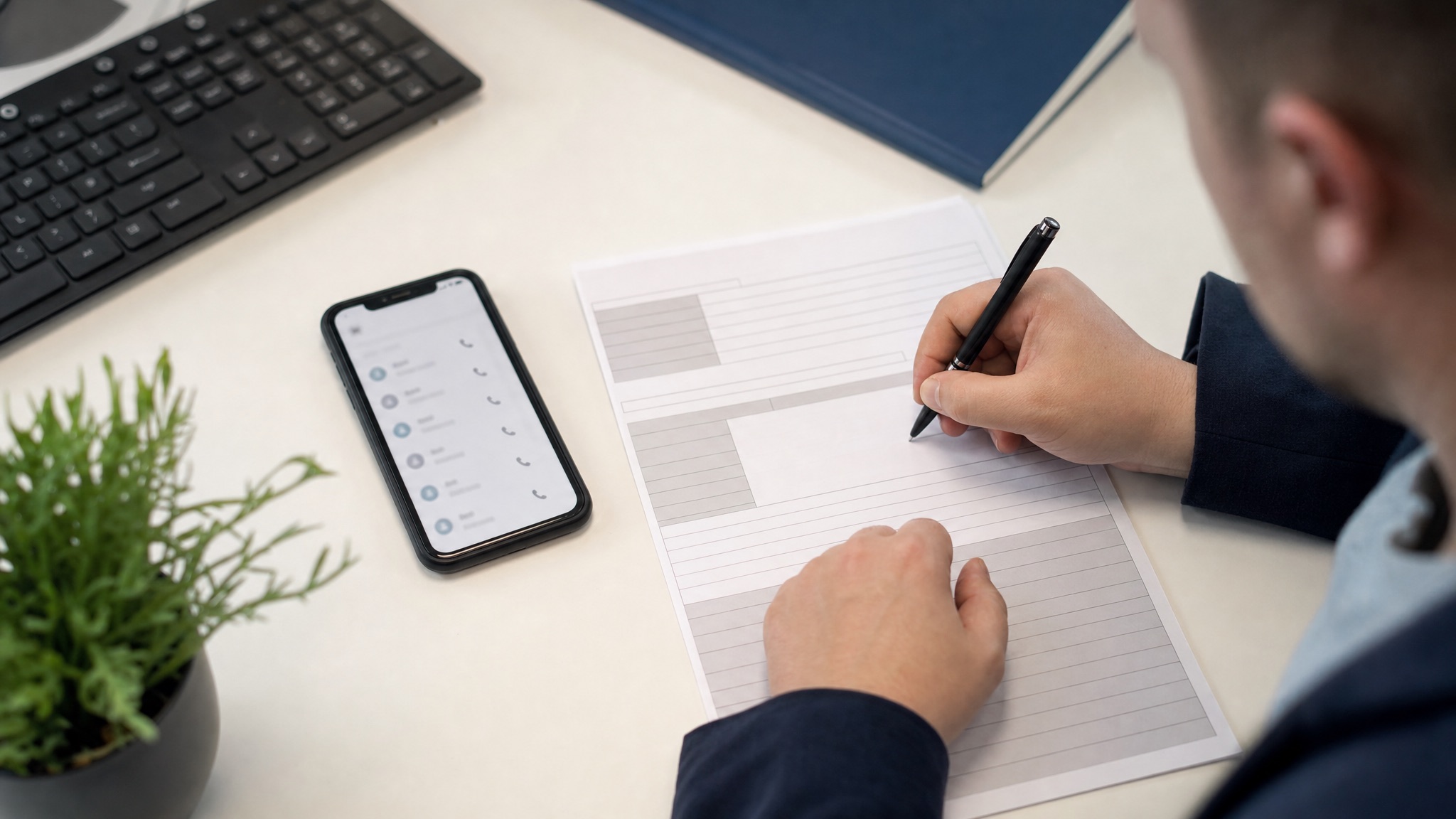
During the conversation, the priority remains to give nothing away. But you can already jot down the essentials on paper or a notepad: the time, the name given, the number displayed, what they ask for. Note-taking also gives you composure: it slows the caller down and puts you in the position of an investigator rather than a target.
A simple sentence makes it possible: “Could you repeat your name and department? I'm noting it down, to follow up your request.” A fraudster is uncomfortable at being recorded. A legitimate contact finds it normal.
What checklist should you use after the attempt?
Here is a checklist to copy into an email template or the reporting form. It has nine items. Fill in what you know, write “unknown” for the rest, and invent nothing.
- Time and duration: date, start time, approximate length of the call.
- Stated identity: first and last name given, job title, organization or department.
- Calling number: the one displayed, exactly as it appeared (it may be spoofed).
- Call-back number given: the one the caller asked you to dial, if there was one.
- Case reference: ticket, case or customer number mentioned, even if it seems made up.
- What was asked, and in what order: the sequence of requests often reveals the method.
- Pressure levers used: urgency, authority, threat, guilt, flattery, request for secrecy.
- Inconsistent detail: what sounded wrong (vocabulary unusual for the role, ignorance of an internal detail).
- What was given: information, code, access, operation carried out, with the exact words if possible. If nothing, write that down.
The order of the requests (item 6) is often more telling than the content. It shows how the caller built their pressure, step by step. This is what security teams try to recognize from one call to the next.
Why note the pressure levers?
The levers are the caller's signature. The same group reuses the same tactics: urgency tied to an event, the authority of an executive, the threat of consequences, the request to tell no one. Recording them makes it possible to link several calls together.
It is also an exercise in clear-sightedness for the person who took the call. Naming the lever (“they played urgency, then authority”) helps them understand what they nearly gave in to. This reading is detailed in the article on the psychological levers of social engineering.
What does a completed checklist look like, in a typical example?
Imagine a call taken by an accounts assistant. Here is what their report might contain, in a few lines:
Time: Thursday, 11:05, about six minutes. Stated identity: “Mark”, “the bank's security team”. Number displayed: a ten-digit number, noted as it appeared. Call-back number given: a different number, requested “to secure the line”. Case reference: none. Requests, in order: confirm my identity, quote the last transfer, read out the code received by text. Levers: urgency (“operations in progress”), authority. Inconsistent detail: he did not know the name of my advisor. Given: my identity and the amount of the last transfer, no code.
This message can be read in thirty seconds and makes action possible: warn the bank, alert colleagues in accounting, check the transfer mentioned. That is the difference from “I got a strange call”.
How do you use it in practice day to day?
A checklist is only worth something if it is within reach. A few habits make it usable on the day.
- Print it or pin it near the workstation, especially in support, accounts and reception.
- Turn it into an email template ready to send to the reporting channel.
- Review it as a team every quarter, with an anonymized real case.
- Update it with the items useful to your line of work, for example the name of the client mentioned for a bank.
Help desk and accounts teams find a common language in it. See also the case of IT support facing reset requests, and the method for saying no under pressure while you take notes.
What mistakes make a report unusable?
- Waiting to be sure. Doubt is enough to report.
- Summarizing in one sentence. “A strange call” allows no action. The checklist items prevent this vagueness.
- Correcting from memory. Write what you heard, not what you think they meant.
- Leaving out what you gave. Shame delays reporting, and the organization pays the price. An employee who says everything quickly protects the others.
- Calling the caller back to “check”. If you call back, use the independent channel described in the call-back procedure.
For bank fraud, the Cybermalveillance.gouv.fr quick-reference sheet recommends keeping the evidence (numbers, messages, transfer orders). It also advises alerting your bank and filing a complaint. The same logic of preservation applies in a company.
How do you build a reporting culture?
A report gets made if people know how, if it is simple, and if there is no risk of blame. Three organizational levers help.
- A single channel, announced regularly, with a message template ready to fill in.
- Systematic feedback: say thank you, say what was done. A report left unanswered discourages the next one.
- A no-blame rule: you praise the person who reports, including when they were caught out.
Spoken practice helps too. In a role play with Face Up, the learner receives a call from a persona who applies pressure. Afterwards, they fill in their report checklist from memory. The debrief compares their notes with what was actually said, with quotes from the session. The trainer writes the scenario from the calls their organization has really received.
The whole approach is described in the guide to cybersecurity awareness and vishing.
Frequently asked questions
Should I report a call if I gave nothing away?
Yes. The call is information for the security team, and other colleagues may be getting called. With the checklist it takes two minutes.
Should I record the call?
Not without a framework. Recording a conversation is subject to precise rules. Ask your security lead or your data protection officer what your organization allows. Written notes are usually enough.
What if I can no longer remember the details?
Report anyway, with what you have, and note what you no longer know. A partial memory, dated a few minutes ago, is better than nothing. Write down the details within the hour that follows.
To train your teams to spot, refuse and then report, book a Face Up demo and see how a trainer builds their scenario.
From reading to practice.
Pick a real-life situation and talk to an AI persona, by video with an avatar or by audio call. 5 to 10 minutes, no account, instant debrief.
Try a scenario →