What is phishing? Definition, types, examples and training
Phishing is a fraud technique in which an attacker poses as a trusted party, such as a bank, a supplier, a government agency or a coworker, to get passwords, personal data, payment details or a money transfer. CISA describes it as a form of social engineering that uses email or malicious websites to solicit personal information. Today the message can also arrive by text, by phone call or through a QR code.
This article gives a clear definition of phishing, the main types (spear phishing, whaling, smishing, vishing, quishing), typical examples, the signs that give it away and what to do after a click. It ends with a section on phishing awareness training for employees, and explains why that training has to cover the phone.
What does phishing mean?
The word comes from “fishing”: the attacker casts a lure and waits for someone to bite. The “ph” spelling is a nod to old hacker slang. In French, the same technique is called “hameçonnage”.
The French public assistance service Cybermalveillance.gouv.fr describes phishing as a fraudulent technique meant to mislead users into sharing personal or banking data by posing as a trusted third party. It lists fake emails, fake text messages and fake calls from banks, carriers, agencies and online shops.
Phishing is a form of social engineering. The attacker does not have to break into a system, because the victim hands over what a technical safeguard would refuse to give. To see why these messages work, read the psychological levers of social engineering.
The main types of phishing
The principle is always the same: a lure, a believable pretext, an action to take. What changes is the channel and how personalized the message is.
- Email phishing: a mass message imitates a bank, a delivery service or a software vendor, with a link to a fake site or a booby-trapped attachment.
- Spear phishing: the message targets one person or team. It uses a real name, job title or project, often found on professional networks.
- Whaling: spear phishing aimed at executives or at people who can approve a large payment.
- Smishing: the lure arrives by text message or a messaging app, with a link to a fake site.
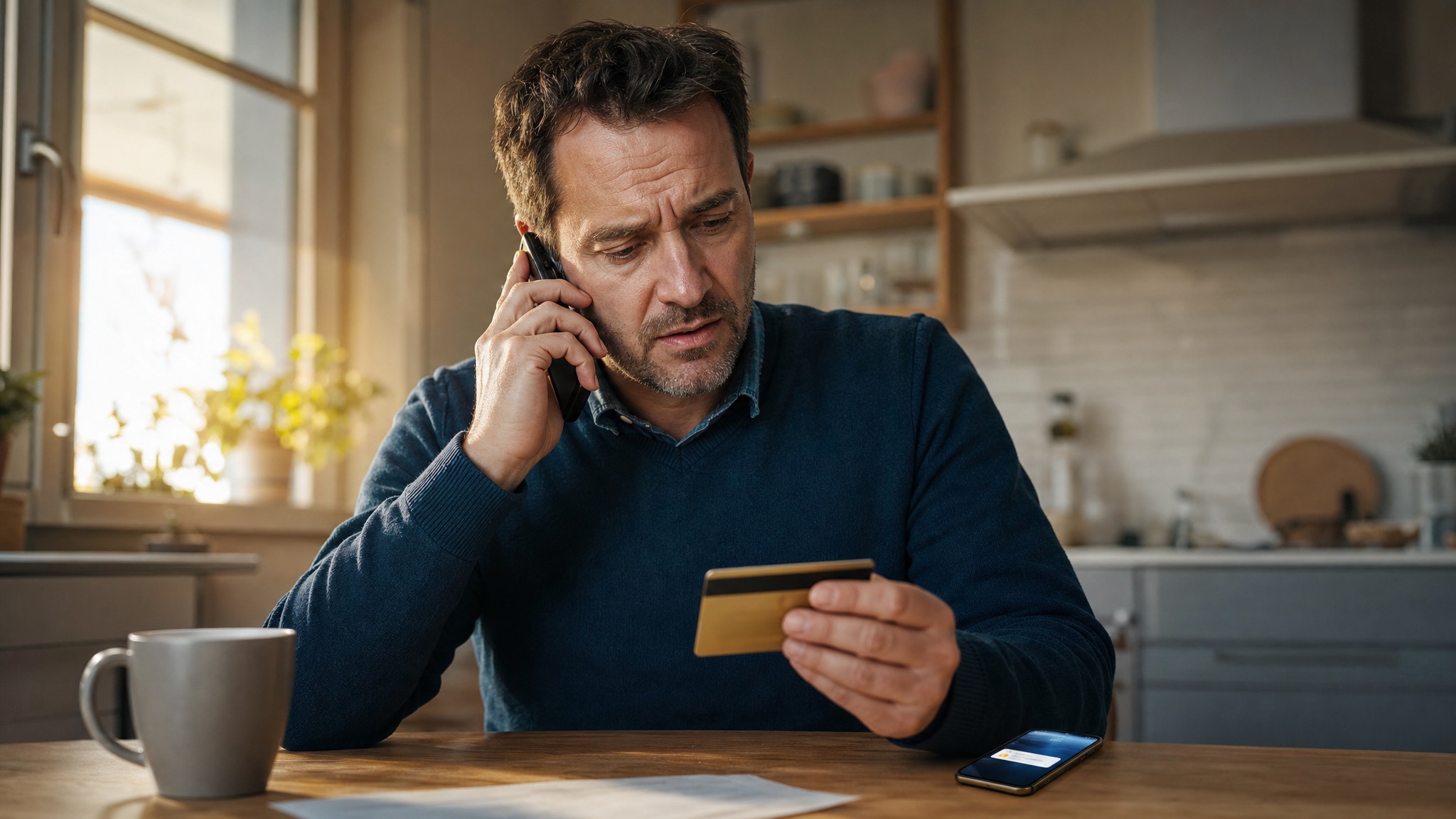
- Vishing: the lure is a phone call or a voicemail. The details are in our article on the definition of vishing.
- Quishing: the link is hidden in a QR code, for example in an email, on a poster or on a fake sticker. A mail filter sees an image, not an address.
- Clone phishing: the attacker copies a legitimate message you already received, then resends it with the link or attachment swapped for a malicious one.
These forms are often combined. An email can ask you to call a number, or a call can announce a text with a code. A March 26, 2026 press release from Cybermalveillance.gouv.fr describes waves of phishing “by text, email or even audio calls”.
Phishing examples
The three scenarios below are built to show the mechanism. They do not describe any real case.
The fake mailbox warning
Imagine an email that reads: “Your mailbox is full, reactivate your account within 24 hours.” The button leads to a page identical to the company login page. An employee types a username and password, and the attacker collects them at once.
Spear phishing aimed at accounts payable
Imagine a message sent to an accountant, using her manager's name and an attached invoice: “Can you pay this one before tonight? The supplier is threatening to stop delivery.” The tone is familiar, the request is plausible, and the urgency limits checking. For the phone version of this pattern, see CEO fraud by phone.
The fake delivery text followed by a call
Imagine a text: “Your package is on hold, pay a $1.99 fee.” The fake site collects card details. A few hours later, a bank impersonation caller phones to “secure” the account. The first message prepared the second.
How to recognize a phishing message
No single clue is enough. The accumulation is what should make you pause. CISA points to lookalike sender addresses, generic greetings, links whose destination does not match the visible text, poor grammar and unsolicited attachments pushed with false urgency.
- The sender: the address imitates a known name, with a character changed or an unusual domain. The display name proves nothing.
- The link: the real address, visible when you hover without clicking, differs from the displayed text.
- The urgency: a short deadline, a threat of account suspension, a penalty or an offer that disappears.
- The request: a password, a code, bank details or a payment. According to Cybermalveillance.gouv.fr, no serious agency or company asks for your bank details or passwords this way.
- The unexpected attachment, especially from someone who never writes to you.
- The context: a request outside the usual process, such as new bank details announced by a simple email.
Spelling mistakes are a clue, but recent messages are often well written. The right habit is not to hunt for a typo. It is to check the request through a channel you already know.
What to do if you clicked
Do not sit alone with the doubt, and act fast. Here is a sensible order, based on CISA guidance and the French fact sheet from Cybermalveillance.gouv.fr.
- Tell your IT or security team if a work device or account is involved. Every minute counts, and nobody benefits from hiding a click.
- Change the password on the affected account and on every account where you reused it.
- Contact your bank if you entered payment details or see a fraudulent charge. Use the number on your card or in your app, not the one in the message.
- Keep the evidence: the message, the sender address, screenshots, the time.
- Report the incident to the police if you suffered a loss. In the United States, CISA also suggests filing a report with the Federal Trade Commission.
- In France, report suspicious emails to Signal Spam, forward suspicious texts to 33700 and report fraudulent sites to the PHAROS platform. Always check those addresses and numbers on the official sites before using them.
To know what to write down when you report, see our incident reporting checklist.
Why phishing training must cover the phone
Many organizations stop at fake-email campaigns, with a click rate as the indicator. That is useful, but it measures one gesture: clicking or not clicking. Real attackers change channel when the email fails.
On the phone, the situation is different. An email can be reread, forwarded and reported. A call demands an immediate answer, from someone who insists, flatters or threatens. Knowing that you should verify is not enough to do it when the voice is pressing.
The limits of fake-email campaigns are covered in our article on the limits of phishing simulation when the attack is a voice. The principle to keep: a verification habit is built by practicing it out loud, not by reading about it.
Phishing awareness training for employees
Searches for phishing training and phishing awareness training usually mean one thing: how to make employees stop clicking, and report when they do. A solid program combines four elements.
- One simple rule everyone knows: for any sensitive request, verify through an independent channel, never through the contact details in the message.
- A reporting channel without blame, used even after a click. A person who fears punishment reports late.
- Short, regular reminders on attack types, rather than one annual module.
- Practice in conversation: refusing, calling back and asking for written approval when someone insists.
For that last point, Face Up lets trainers build their own role plays from their real cases, with an authoring tool. The learner speaks, by voice or on video, with a persona played by an AI: a fake bank advisor, a fake supplier or a coworker in a hurry. The learner then receives a debrief with quotes of what they said, and can replay the scene.
The full approach is described in our guide to security awareness training for vishing.
Frequently asked questions
What is the difference between phishing and spear phishing?
Classic phishing is sent in bulk, with a generic message. Spear phishing is prepared for one person or team, with real details about their job or contacts. It is harder to spot.
Can phishing happen by phone?
Yes, and it is called vishing. The channel changes, not the principle: a caller poses as a trusted person to get information, a code or a transfer.
Are an antivirus and a spam filter enough?
No. Filters block part of the messages, not all of them, and they cannot see phone calls or always read QR codes. The person's action remains the last barrier.
What is the difference between phishing and smishing?
Phishing usually refers to email. Smishing is the same trick sent by text message. Both rely on a link or a request that looks legitimate.
To train your teams to refuse a suspicious request, by email or by phone, book a Face Up demo.
From reading to practice.
Pick a real-life situation and talk to an AI persona, by video with an avatar or by audio call. 5 to 10 minutes, no account, instant debrief.
Try a scenario →